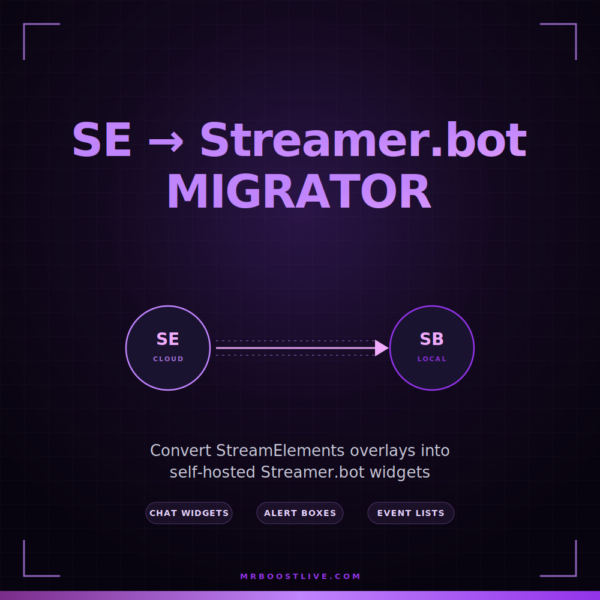
Bring your StreamElements overlays home. The SE → Streamer.bot Migrator is a one-click bookmarklet that converts your existing SE widgets — chat, alerts, event lists — into self-hosted HTML files that run directly from Streamer.bot. Your widget code stays intact. Your assets come along. Your stream keeps running even if SE has an outage.
Works with widgets that use standard SE APIs. Please read the caveats below before purchasing.
What it does
The SE → Streamer.bot Migrator is a browser bookmarklet that runs on streamelements.com. One click and it pulls down any of your overlays — widget HTML, CSS, JavaScript, fields, fieldData, media library assets, the full thing — and repackages everything into a single self-contained HTML file you drop into OBS as a Browser Source.
From there your widgets connect to Streamer.bot’s WebSocket Server instead of StreamElements’ cloud. No more SE dependency. No more “is SE down today?” Your existing widget code runs unchanged because the migrator translates Streamer.bot events.
What’s included
- Custom Widgets — chat widgets, goal trackers, event lists, redemption widgets, anything built on SE’s Custom Widget framework. The migrator wraps them with a Streamer.bot client that handles all the event translation.
- Alert Boxes — full alert-box overlays with variations, per-event media (sounds, videos), and the condition/requirement logic (ATLEAST, EXACT, LESS_THAN) all preserved.
- Multi-Platform Event Mapping — Twitch, Kick, YouTube, TikTok (via TikFinity), Streamlabs, StreamElements, Ko-fi, Patreon, Tipeee, Fourthwall. Subs, follows, raids, gifts, cheers, tips, redemptions, super chats — all mapped to the SE event shape your widgets expect.
- Media Library — every image, sound, video, and font referenced by your widget is downloaded and the URLs are rewritten to local paths. Your widget reaches out to nothing at runtime.
- Auto-Updates — the bookmarklet is a tiny loader that pulls the latest code from our CDN on every click. When fixes ship, you get them on your next click. No reinstall, no version chasing.
How it works
- You install the bookmarklet (drag a button to your bookmarks bar — takes 5 seconds).
- You sign in to
streamelements.comlike normal. - Click the bookmarklet. A panel opens showing every overlay in your account.
- Search by name, pick the overlay(s) you want, hit Download.
- You get a
.zipwith everything: the widget HTML, all media, and aStreamerbot-*.htmlfile that’s ready to drop into OBS. - Point an OBS Browser Source at the file. Make sure Streamer.bot’s WebSocket Server is enabled (port 8080 by default). Refresh.
- Your widget runs locally now. Trigger an event in Streamer.bot — the widget responds.
⚠️ Important caveats — please read before purchasing
The migrator handles widgets that use standard StreamElements APIs — onWidgetLoad, onEventReceived, onSessionUpdate, fieldData, standard SE event shapes. That covers the vast majority of widgets in the wild. But it cannot translate everything, and you should understand the limits before buying:
- Third-party endpoints won’t be redirected. If a widget developer calls their own backend — a custom REST API, a Firebase project, a Discord webhook, a personal proxy server — the migrator can’t replace those calls with Streamer.bot equivalents. Those requests will still try to reach the original server. If the dev’s server is up and accepts unauthenticated calls, it might still work. If it requires SE-issued tokens or is locked down, it won’t.
- Obfuscated or minified widget code may break. Some marketplace widgets ship with their JavaScript deliberately scrambled to prevent copying. The migrator preserves the code as-is, but obfuscated code often makes assumptions about the exact SE environment (specific global variables, timing, DOM structure) and can break when running outside it.
- SE-only APIs are not available. Anything that hits
api.streamelements.comwith a session cookie — REST calls to your account, roleplay tokens, activities feed pulls, the SE chat API — will fail because there’s no SE session inside an OBS browser source. The migrator translates SB events to SE events; it doesn’t fake an SE account. - Locked or license-checked widgets will refuse to run. A handful of paid SE marketplace widgets phone home to verify a license against the buyer’s SE account. Those will detect they’re outside SE and either refuse to render or display a “license invalid” message.
If a widget breaks after conversion, open the OBS browser source DevTools console (right-click the source in OBS → Interact → press F12) and look for failed network requests or undefined-function errors. That’ll tell you which of the four cases above you’re hitting. Standard SE widgets — and widgets you wrote yourself — almost always work; third-party paid widgets with custom backends are the ones to be careful with.
If you’re not sure whether a specific widget will work, message me before you buy. I can usually tell from a quick look at the widget’s source whether it’ll convert cleanly.
Requirements
- Streamer.bot running on your machine with the WebSocket Server enabled (default port 8080).
- OBS (or any browser source host — SLOBS, Streamlabs Desktop, etc.).
- A modern Chromium-based browser (Chrome, Edge, Brave, Vivaldi) for running the bookmarklet on streamelements.com.